


Open the booking service
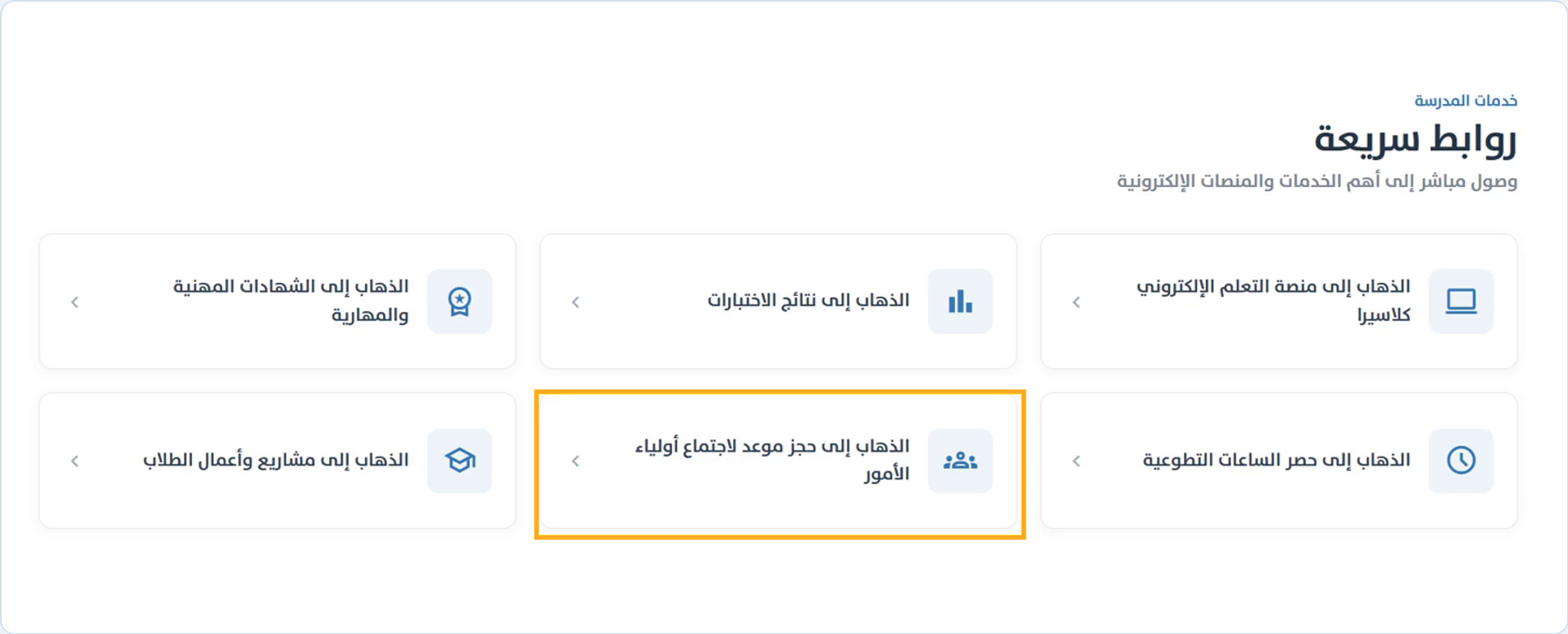
On the school home page, go to Quick links and open the parent meeting booking service. You can also use a meeting link sent by the school.
Verify the student
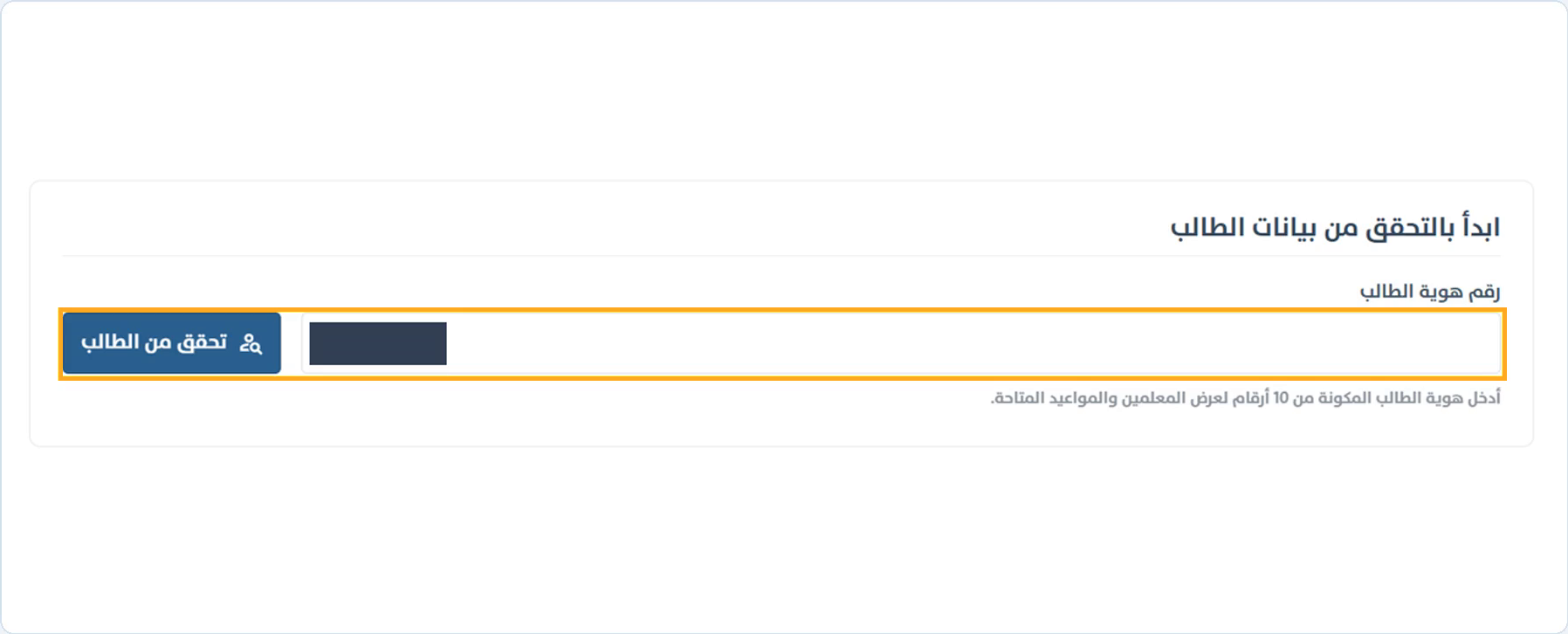
Enter the student’s 10-digit identity number and select Verify student. Check the student’s name, grade and class before continuing.
If more than one meeting is available for the student, choose a meeting from the list shown after verification, then review its details and dates.
Choose the teacher and day
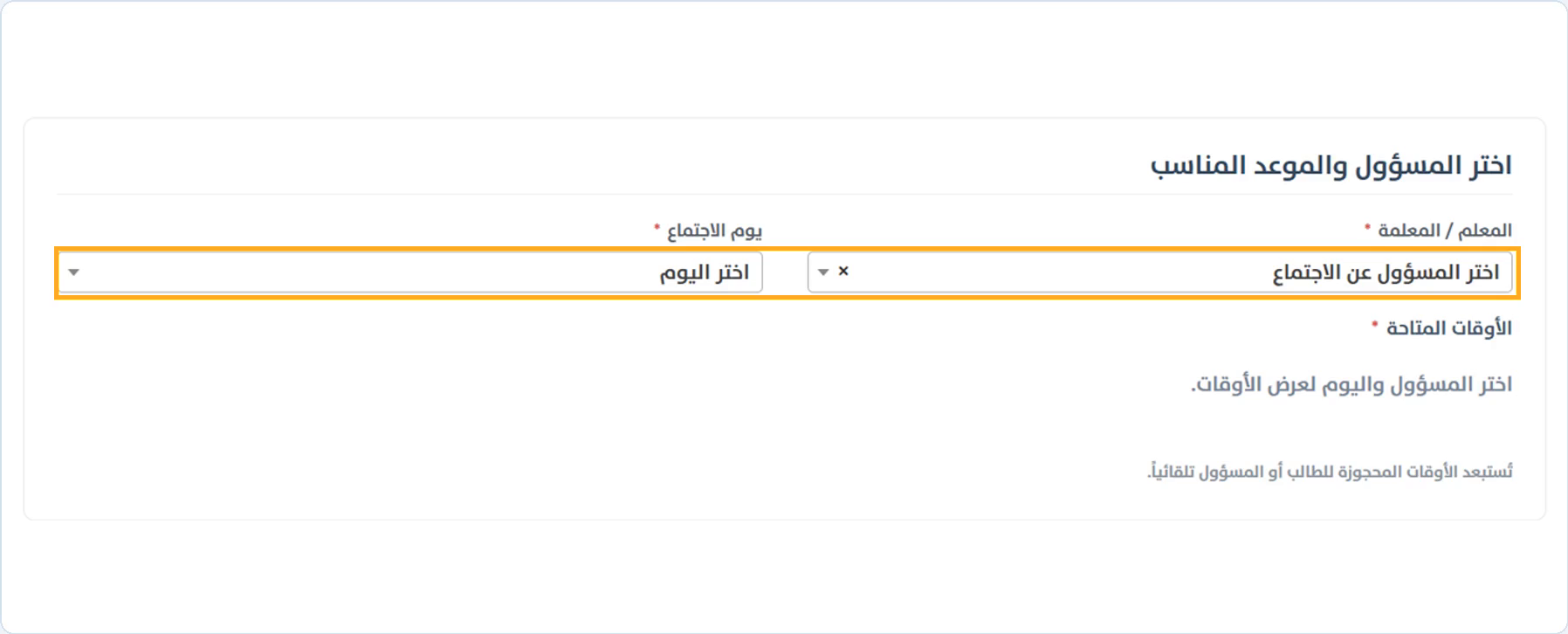
Choose the teacher from the staff list, then choose the meeting day. For an administration meeting, select the responsible staff member.
All times are in Saudi Arabia time. Check the meeting name and dates before choosing a time.
Choose an available time
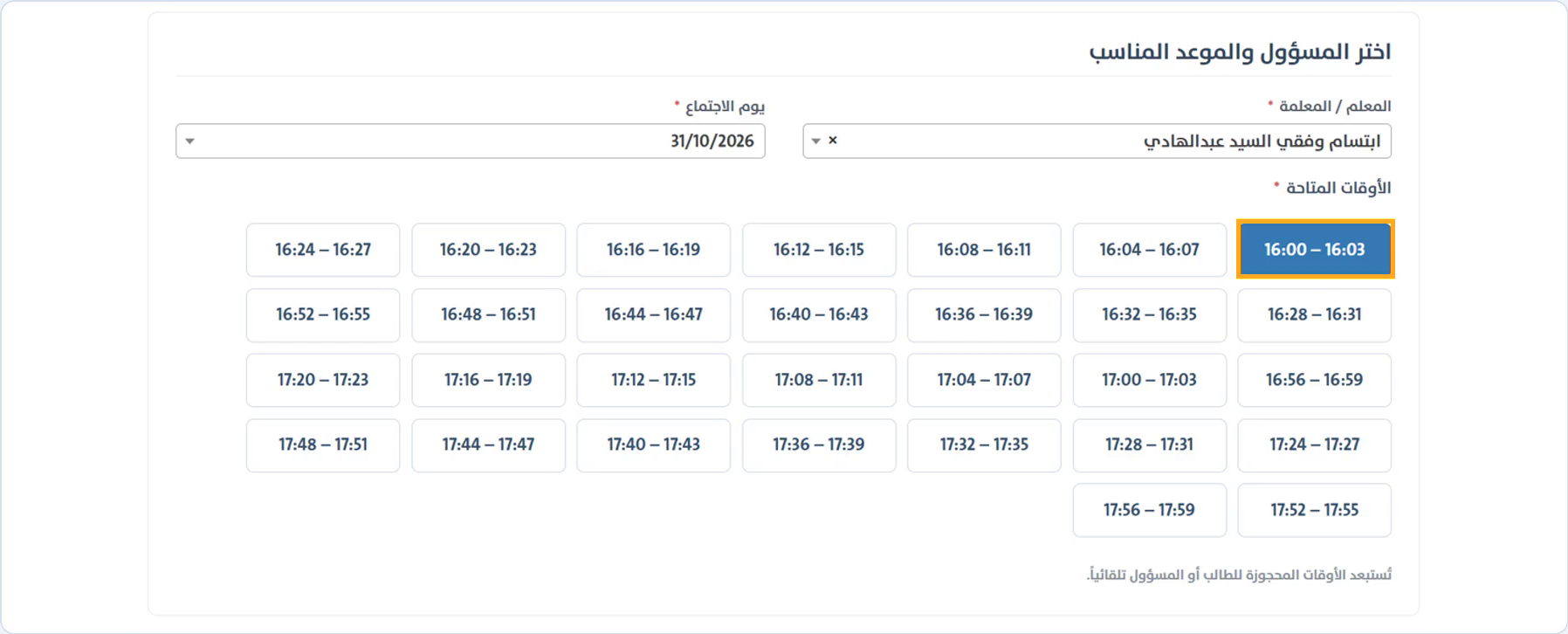
Select an available time. The selected time turns blue, and the appointment summary appears below the form.
Times already booked for the student or staff member are excluded automatically. Try another day if needed.
Review the email and appointment
Check the student’s school email, the staff member, date, and start and end times. For an administration meeting, you can enter the meeting subject.
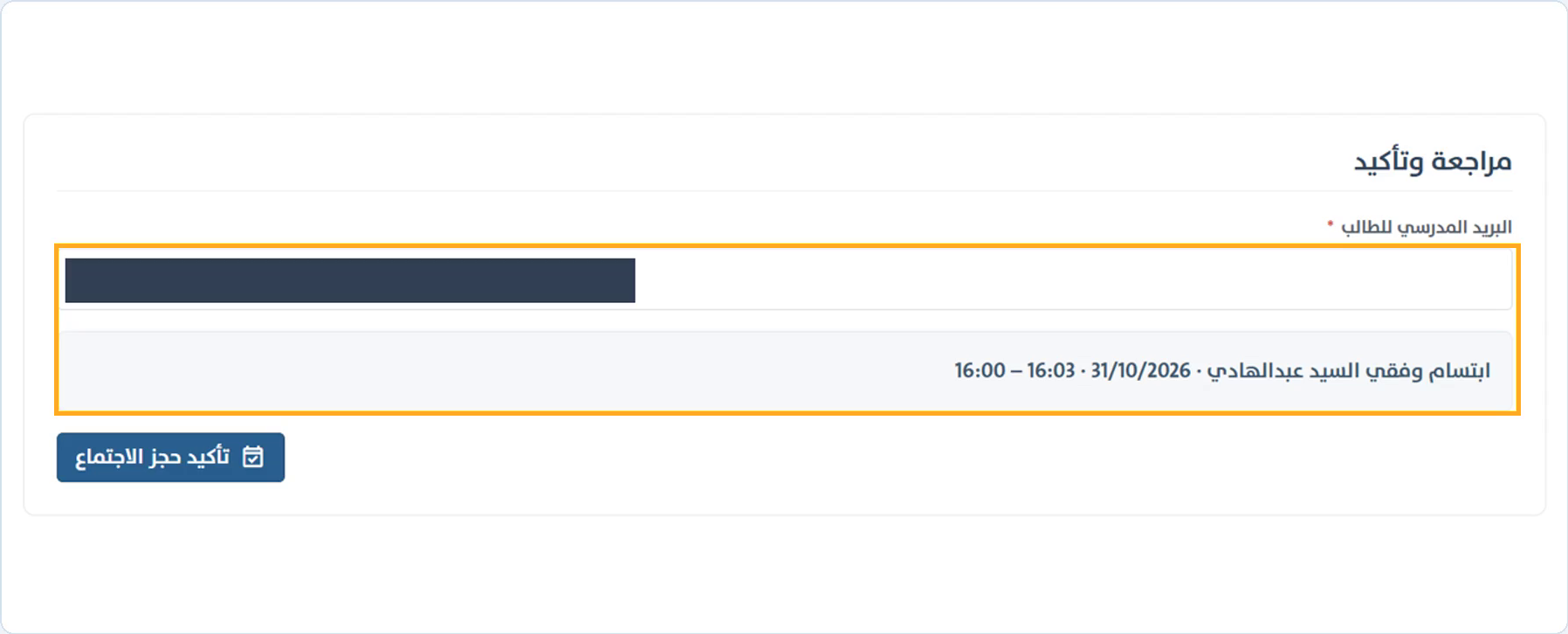
Confirm the booking
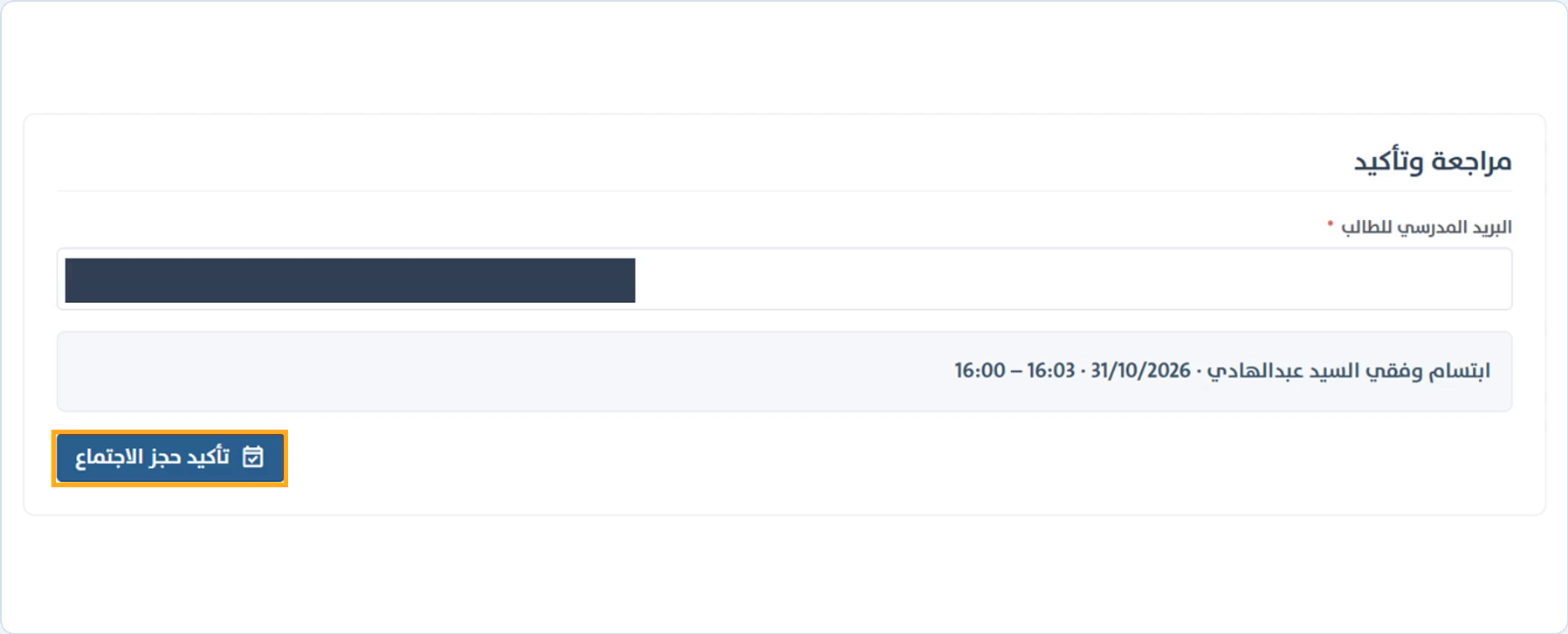
After reviewing the details, select Confirm meeting booking. Wait for the success message before leaving the page.
Changing the meeting, staff member or day clears the selected time. Choose a time again before confirming.
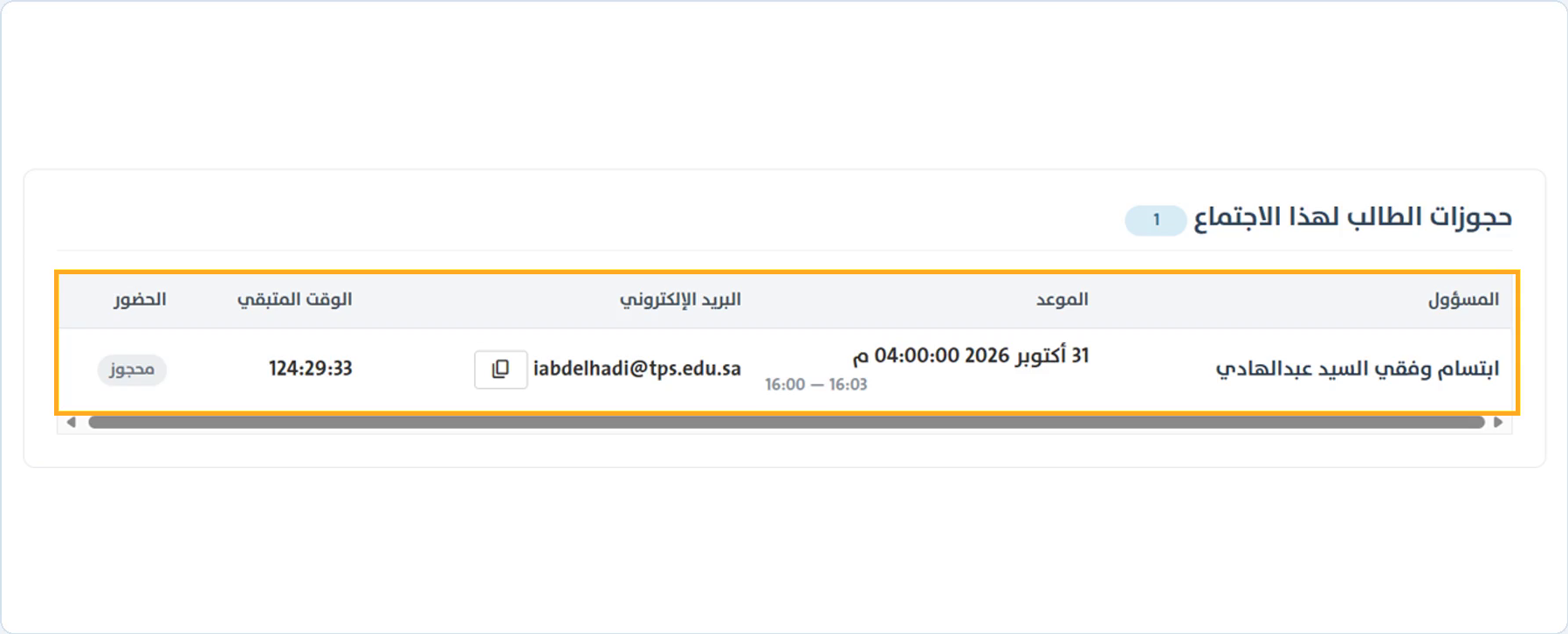
Review the student’s bookings
Check Student bookings for this meeting at the bottom of the page. The table shows the staff member, appointment, email, remaining time and booking status. Keep the appointment details and be ready before it starts.
Common questions
No meeting is available for the student. What should I do?
Check the student’s identity and school enrollment. Meeting availability depends on stage, grade and meeting dates. Contact the school if the details are incorrect.
Why is the teacher or time unavailable?
Check the selected meeting and day. Times may already be booked, or the teacher may not be assigned to the student’s class. Try another day or contact the school.